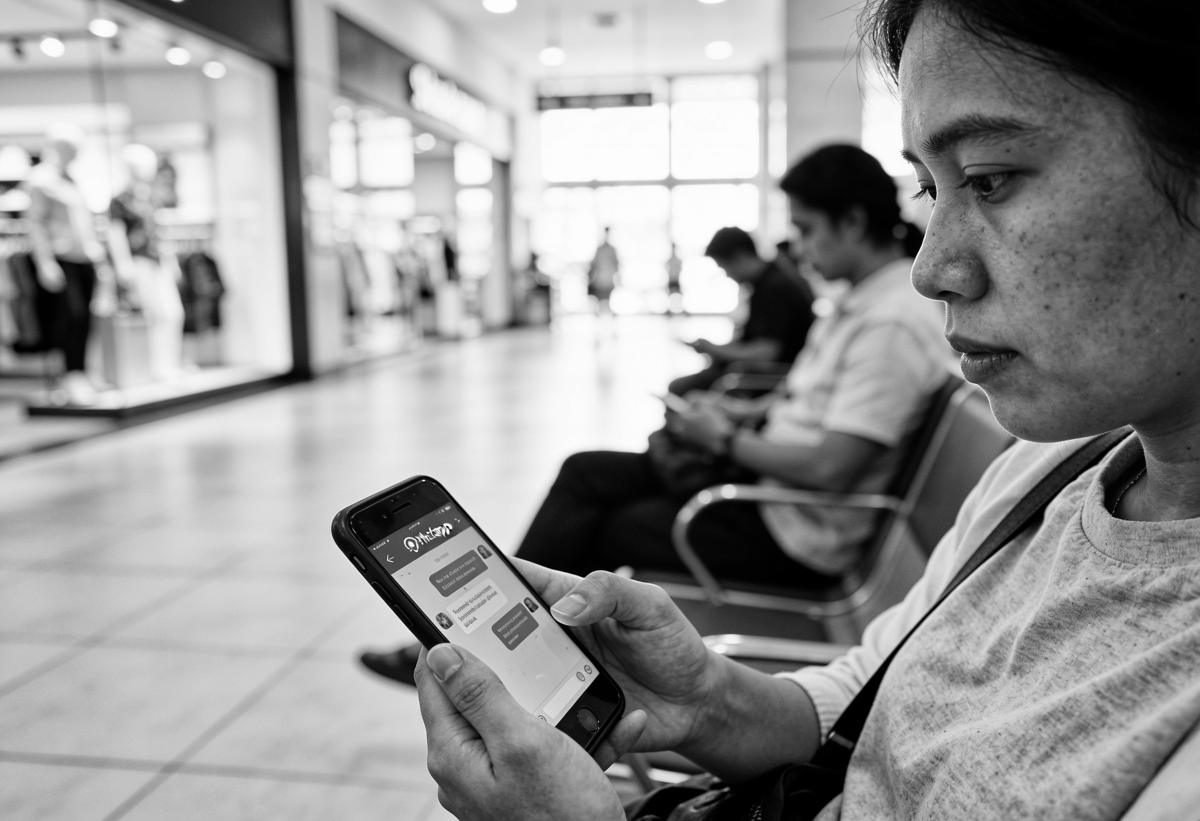
In much of Southeast Asia, the customer conversation does not happen in email. It happens in WhatsApp, LINE and Viber, often on a salesperson's personal phone. Leadership cannot see it. The CRM does not record it. When that salesperson leaves, the relationship leaves too.
Bringing messaging into the CRM is one of the highest-value projects a regional enterprise can run. It is also easy to do badly.
Why does messaging belong in the CRM?
Three reasons, in order of how quickly they hurt.
- Visibility. If most sales and service conversations sit outside the CRM, pipeline reports and service metrics describe a fraction of the business.
- Data protection. Customer personal data on personal phones is hard to secure, hard to retain correctly and hard to delete on request.
- AI readiness. An AI agent can only serve customers on channels it can see, using history it can read.
How do WhatsApp, LINE and Viber connect to HubSpot?
The channels do not connect the same way, and the difference matters for budget and timeline.
HubSpot's documentation lists team email, chat, Facebook Messenger, forms, WhatsApp Business and calling as native channels in the conversations inbox. WhatsApp Business requires a Marketing Hub or Service Hub Professional or Enterprise subscription (HubSpot Knowledge Base).
LINE and Viber are not native. HubSpot says you can “install existing apps from the HubSpot App Marketplace, such as WeChat, Telegram, LINE, Viber, Slack, or build your own integration from scratch via the custom channels API”. Custom channels require a Sales Hub or Service Hub Professional or Enterprise subscription (same source). SMS is available with Marketing Hub Professional or Enterprise and an SMS add-on.
In practice, plan WhatsApp as configuration and LINE and Viber as integration work, tested market by market. Our WhatsApp, Viber and LINE answer sets out the options.
What do the WhatsApp rules require?
Meta's WhatsApp Business Messaging Policy shapes the design. Three rules stand out (WhatsApp Business Messaging Policy):
- Opt-in first. You may only contact people who have given you their number and from whom you have received opt-in permission.
- The 24-hour window. Outside a 24-hour customer service window, which “opens and resets with each user message”, you may only send approved message templates.
- Escalation and opt-out. Automated experiences need “prompt, clear, and direct escalation paths”, and you must respect every request to opt out.
Each rule becomes a CRM requirement: a consent property per channel, templates for follow-ups outside the window, an escalation route in every automated flow, and an opt-out process that updates the record everywhere. Local data protection law adds to this in each market. See data protection by country.
How should conversations be routed?
Routing decides whether a customer waits two minutes or two days. We design it around four questions:
- Which market and language? Route by number, channel or the customer's choice to a team that can reply in their language.
- Sales or service? An enquiry about a new product and a complaint about a delivery belong to different teams.
- Existing owner? If the customer has an account manager, the conversation should reach them, with cover when they are away.
- Working hours? Decide what happens out of hours: an agent, an auto-reply, or a promised callback.
Every conversation should end on the customer record, linked to the right contact, company, deal or ticket. That is what turns messaging from a channel into data.